Free AI Prompts Every Nonprofit Should Bookmark
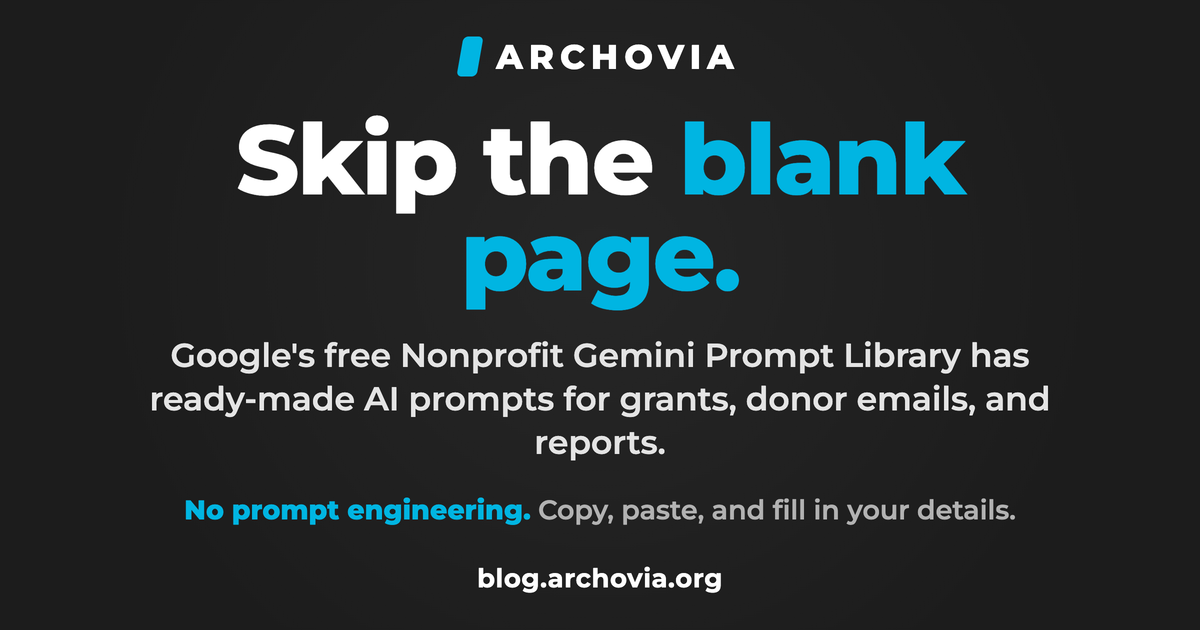
Google's free Nonprofit Gemini Prompt Library gives teams ready-made AI prompts for grant writing, donor emails, and reports. Five to try, plus how to use them.
Most nonprofit teams have been told to "use AI" without being told how. You open the chat box, see a blinking cursor, and go right back to writing the grant section by hand. The blank prompt is the real barrier, not the technology.
Google just removed it. It published a free Nonprofit Gemini Prompt Library: a set of ready-made AI prompts built around the actual work nonprofits do, from grant writing to donor thank-you notes to summarizing a long report. You do not need to learn prompt engineering. You copy one, paste it in, and swap in your own details.
What Google actually released
The library is part of Google for Nonprofits, and it is organized by the work streams you already recognize: fundraising and grant writing, donor engagement, program management and impact reporting, volunteer management, and marketing. Each section gives you example prompts you can lift and adapt, plus follow-up prompts to refine the result.
It is genuinely built for non-technical staff. The prompts read like plain requests to a capable assistant, and Google pairs them with a short set of best practices: use natural language, be specific, and give context about your mission and audience.
Five prompts to start with
Here are five, rewritten in plain language, that map to the jobs most small orgs repeat every month. Treat them as starting points and add your own details.
- Pull a funder's priorities. "Extract the top three priorities this funder cares about, using only their website: [paste the URL]." Then draft your proposal to those three, in their words.
- Write a real thank-you. "Write a warm, specific thank-you email to a donor who gave to [program]. Lead with the impact, not the next ask."
- Make a long report readable. "Summarize this program report into five bullet points a board member could read in two minutes," then paste the report in.
- Re-engage lapsed donors. "Draft a short, non-pushy email to donors who have not given in a year, built around one recent win."
- Onboard a volunteer. "Outline a simple start-to-finish onboarding checklist for new volunteers at our nonprofit."
The one step to never skip
Google prints this rule right on the page, and it is the most important line in the whole library: fact-check everything. Verify any statistic, name, quote, or legal wording outside the AI before it goes anywhere. AI is fast at a first draft and confidently wrong often enough that a human has to sign off before a word reaches a donor, a funder, or the public.
That is not a reason to avoid these tools. It is a reason to put one plain rule in writing about how your team uses them, which is exactly what a short AI policy is for.
How to make any prompt twice as good
The difference between a generic answer and a useful one is context. Before you hit enter, add three things: your mission in one line, who the output is for, and any hard constraints (tone, length, what not to say). "Write a donor email" gets you a template. "Write a warm, 150-word email to a first-time donor to our youth literacy program, thanking them and inviting them to a spring open house" gets you something you can almost send.
What to try this week
Pick the one task on this list your team dreads most, open the library, and run a single prompt against a real example. Judge the draft honestly, then spend your saved time on the part only a person can do: the relationship, the story, the ask. If it works, you have just turned a recurring chore into a ten-minute edit.
Which of these would save your team the most time this week?
Source: Google for Nonprofits: Nonprofit Gemini Prompt Library.